
 Available in GB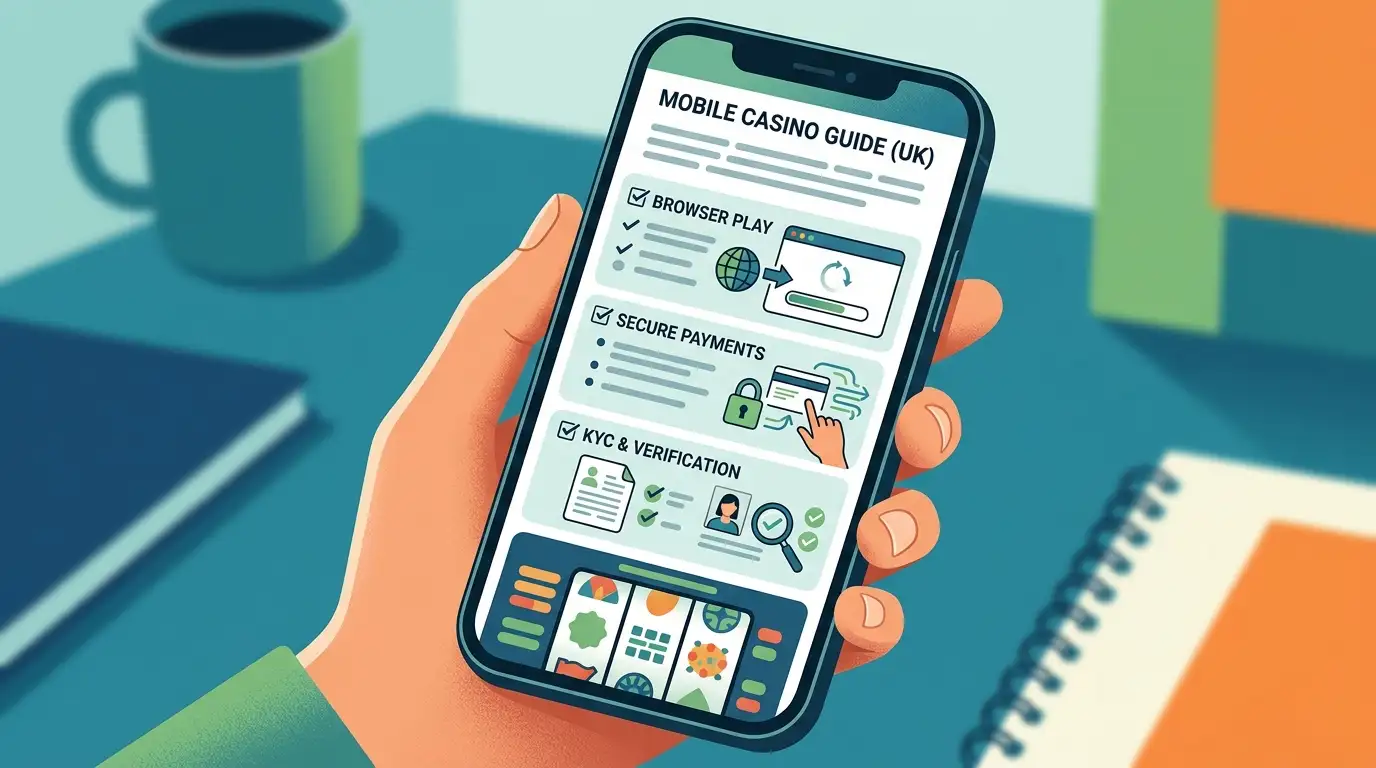
GoldWin is best assessed as a browser-based mobile casino. The evidence supports a mobile-optimised site, while we found no confirmed native GoldWin app. That is not automatically a weakness: a good browser casino can work well on iOS and Android without installation. The deciding factors are page speed, filter clarity, cashier usability, account-verification upload flow and whether live dealer games fit your screen.
GoldWin’s large game library is useful on mobile only if the lobby filters work well on a smaller screen. Independent sources report thousands of games and a broad provider list. On a phone, test search, provider filters, favourites and recently played sections before making the site part of your regular play routine.
For the catalogue breakdown, see the mobile game library page. If your main interest is dealer tables, also check live casino usability before depositing.
GoldWin supports multiple payment methods, including Visa, Mastercard, Neteller and Skrill according to independent review data. On mobile, the important test is whether payment screens show limits, fees and confirmation steps clearly before you approve a transaction. A method that is convenient on desktop can be frustrating on a phone if pop-ups, banking redirects or e-wallet windows are hard to complete.
Before depositing from a mobile device, read the mobile deposits and withdrawals guide for method-level checks.
Verification can be easier on mobile because your camera and document photos are already on the device. It can also be riskier if the page crops images, compresses files or fails to show upload status. Use clear photos, match the account name to the payment method and keep copies of any confirmation screen.
If you expect to withdraw, review the mobile KYC upload page before sending documents.
Mobile convenience can make repeat deposits feel too easy. Set deposit and session limits before long play sessions, especially when browsing a large game library. If UK regulatory protection is central to your decision, read the site-level GoldWin UK review and trust coverage before creating a mobile account.
Use a private device, a secure connection and a password that is not reused on other sites. Avoid depositing or uploading identity documents over public Wi-Fi. If your phone offers biometric unlock, it can help protect access to saved passwords, but it does not replace careful account monitoring. Log out after use if other people can access the device.
Document upload deserves extra care. Photos need to be clear, uncropped and taken in good light, but they need to be submitted only through the casino’s secure account area or another official support route that you have verified. Do not send identity documents through informal social channels. If support asks for extra material, keep a record of the request and check that the requested document matches the stated verification purpose.
A mobile-browser casino can be convenient because there is no app store installation, no manual update process and no need to grant broad device permissions. It also lets a player inspect the site quickly from iPhone or Android. The trade-off is that performance depends on the browser, connection quality and how well the casino has adapted cashier, games and support screens to smaller displays.
Before depositing from a phone, test the practical tasks that matter later. Open the bonus terms, payment page, live chat, account-verification area and responsible-gambling controls. If any of those pages are hard to read, hidden behind menus or unstable, mobile play may not be suitable even if the games themselves load. A casino that works well for slots but poorly for withdrawals or document upload can still create problems.
The cashier is the most important mobile screen after login. Check whether deposit limits, withdrawal options, bonus opt-ins and verification prompts are visible without switching to desktop view. A site can look polished on the homepage but still become awkward when payment forms, document uploads or support windows open. If a small screen hides key terms, use a larger device before committing money.
Support need to be easy to reach from the same device used for play. Before depositing, open live chat or the help area and check whether you can attach screenshots, copy transcript details and return to the cashier without losing the session. If support is awkward on mobile, use desktop for account and payment tasks.
If the mobile page feels cramped, complete payment and verification tasks on desktop instead.
Yes. Use GoldWin through the mobile-optimised browser experience on the official site, then check lobby loading, cashier access and live-table layout on your device.
Yes. Use the official site in your Android browser and avoid unofficial APK downloads or third-party app listings.
GoldWin offers live casino games. Check the actual table layout and minimum stakes on your device before relying on mobile live play.
For the full brand review, return to the GoldWin UK review.
The full assessment is in our GoldWin Casino UK review.
Paying from a phone: the payment methods.
Prepared by the goldwincasin editorial staff.
The full assessment is in our GoldWin Casino UK review.
Paying from a phone: the payment methods.